
Client offboarding is the process of closing a client engagement after the agreed work is complete. A good offboarding process makes sure there are no unfinished tasks, missing files, unresolved payments, or unclear responsibilities left behind.
Use this client offboarding checklist to work through the final stages of a client relationship and close the engagement cleanly.
Client Offboarding Checklist
1. Confirm the Engagement Is Complete
Before starting the final closeout, confirm that the work you agreed to provide has actually been completed.
- Review the original scope of work or agreement
- Confirm all agreed deliverables have been completed
- Check for open tasks, revisions, or pending requests
- Identify anything that was excluded from the agreed scope
- Confirm whether any remaining work needs a separate agreement
- Make sure the project is ready for final delivery or approval
If there are still open items, do not treat the engagement as complete simply because the main work is finished. Resolve them or clearly document what remains.
For a more detailed approach to completing the project itself, see How to Close Out a Client Project.
2. Resolve Outstanding Tasks and Requests
Go through the project one final time and look for anything that could create confusion after the relationship ends.
- Review outstanding tasks
- Respond to unanswered client questions
- Complete approved revisions
- Resolve known issues or document anything that cannot be resolved
- Close duplicate or obsolete tasks
- Confirm responsibility for anything that will continue after the engagement
This is also the point to separate genuine outstanding work from new requests. A client asking for additional work at the end of a project does not automatically mean that work belongs in the original engagement.
If the relationship requires a more structured handoff, the client handoff process can help with transferring information and responsibilities.
3. Deliver Final Work
Make sure the client receives everything they are supposed to receive.
- Send final deliverables
- Include the final versions rather than outdated drafts
- Provide supporting documents or instructions where needed
- Confirm that important files can be opened and accessed
- Explain any relevant next steps for using the deliverables
- Keep a record of what was delivered
For example, a website project might require the final website files, brand assets, documentation, credentials, and instructions for future maintenance. A consulting engagement might instead require a final report, recommendations, supporting data, and implementation notes.
The exact deliverables will vary, but the principle is the same: the client should know what they received and where to find it.
4. Confirm Client Approval or Sign-Off

Where the engagement requires client approval, get that confirmation before closing the project.
- Ask the client to confirm receipt of final work
- Obtain written approval or sign-off where appropriate
- Record any final acceptance
- Resolve objections before marking the engagement complete
- Keep the approval with the relevant project records
A simple confirmation can prevent disagreements later about whether the work was actually completed.
Not every client engagement requires formal sign-off. Use it when the contract, scope, or nature of the work makes confirmation useful.
5. Organize and Transfer Files
Client offboarding is also a good time to make sure the right information is in the right place.
- Gather final client-facing files
- Remove outdated drafts from the final delivery area
- Organize documents using clear names and folders
- Transfer files the client needs to retain
- Confirm ownership of important assets
- Record where final files are stored
- Archive internal working files according to your normal retention process
Do not assume that sending a final email with several attachments is enough. If the client may need the information later, make sure the final location is clear and usable.
6. Review Access and Permissions
Client relationships often involve access to websites, software, documents, analytics accounts, shared drives, or other systems.
Review those permissions before closing the engagement.
- List systems and accounts involved in the engagement
- Confirm which access the client should retain
- Remove internal access that is no longer required
- Remove client access where appropriate
- Transfer ownership where necessary
- Update shared permissions
- Confirm that important accounts are controlled by the correct owner
Be careful not to remove access before confirming that the client has what they need. Access changes should be based on the agreement and the actual ownership of each system.
7. Complete Final Billing and Administration
Financial and administrative tasks should be closed before the engagement is archived.
- Send the final invoice if one is due
- Check for unpaid invoices
- Confirm approved expenses or adjustments
- Process agreed credits or refunds
- Record the final payment status
- Close the project in your billing system
- Update the client record if the relationship has ended
If payment is still outstanding, the project may be operationally complete without being fully closed from an administrative perspective.
Keep the status clear so the team does not accidentally treat an unpaid engagement as completely closed.
8. Send the Final Client Communication
The final message should make the status of the engagement clear.
A useful closing message can include:
- What was completed
- What was delivered
- Where the client can find the final files
- Whether anything remains outstanding
- What happens to access or support
- Who the client should contact if a future issue arises
- A brief thank-you where appropriate
The goal is not to write a long farewell email. The goal is to remove uncertainty.
The client should finish the engagement knowing that the work is complete, where the relevant information is located, and what happens next.
9. Record Important Information Internally
Some information becomes more useful after the client relationship ends.
- Record the final project status
- Document important decisions or exceptions
- Save relevant approvals
- Record final deliverables
- Document unresolved issues and their status
- Record useful lessons from the engagement
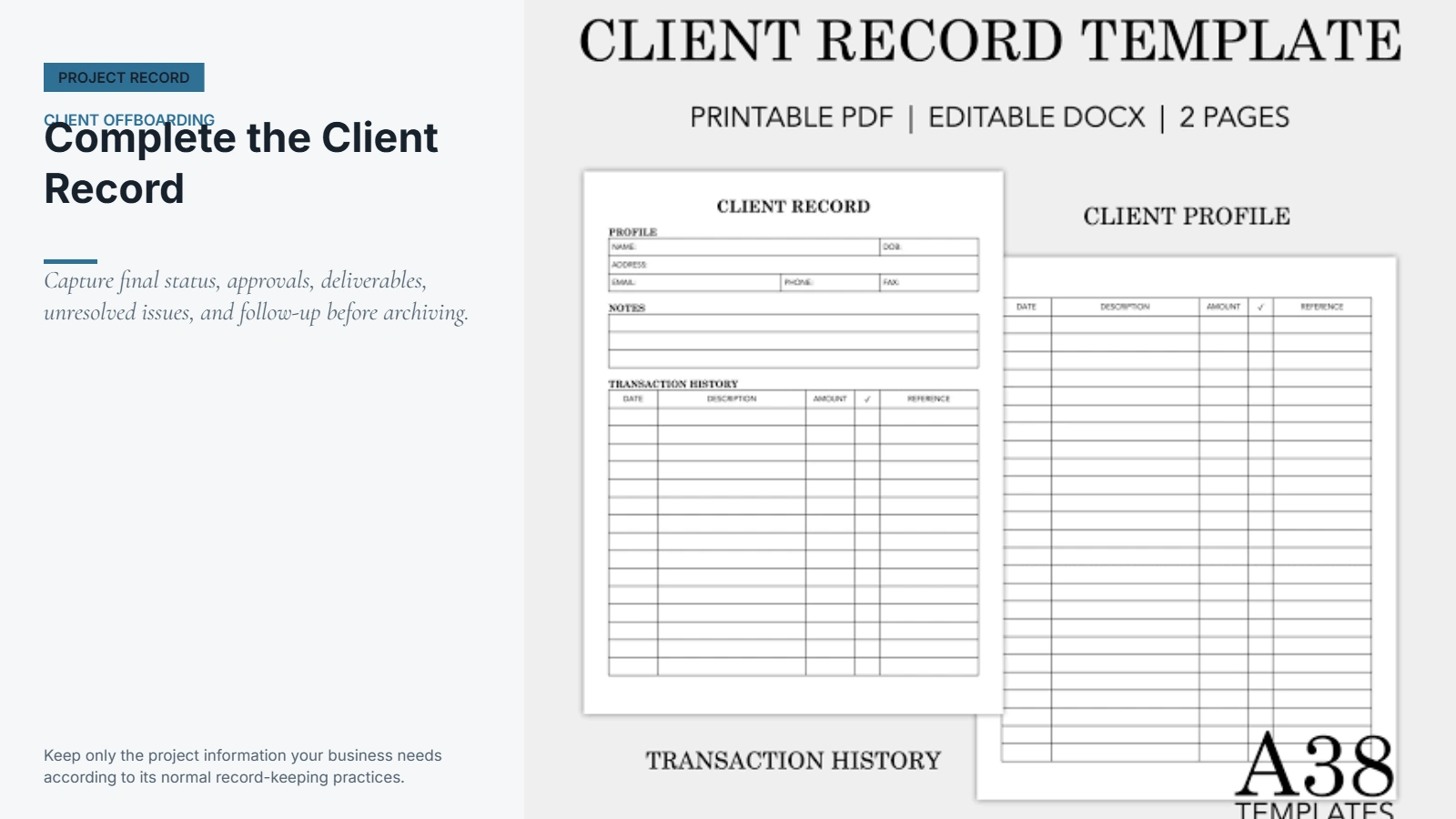
- Update the client record in your CRM or other internal system
- Note whether the client may require future follow-up
This does not mean keeping every piece of project information forever. Keep what your business needs according to its normal record-keeping and retention practices.
10. Close the Engagement in Your Systems
The final step is to make the closure visible internally.
- Mark the project or engagement as complete
- Close remaining tasks
- Archive the appropriate project information
- Update the client status
- Remove the project from active work queues
- Notify relevant team members
- Confirm there are no remaining internal actions
A client relationship is not fully offboarded if the project is still sitting in active task lists, assigned to team members, or showing as an open engagement in internal systems.
A Simple Client Offboarding Process
A client offboarding checklist works best when it becomes a repeatable workflow rather than a document someone remembers to use occasionally.
A simple process can follow this order:
1. Review the engagement
Start with the agreement, scope, project status, and outstanding work.
2. Complete the remaining work
Resolve approved tasks and separate new requests from the existing scope.
3. Prepare the final delivery
Gather final files, documentation, approvals, and anything else the client needs.
4. Confirm completion
Make sure the client has received the work and obtain sign-off where appropriate.
5. Handle access and administration
Review permissions, billing, payments, ownership, and other administrative requirements.
6. Send the closing communication
Tell the client clearly that the engagement is complete and explain where they can find the relevant information.
7. Close the internal record
Archive the project, update the client record, and make sure no internal tasks remain open.
Assigning an owner to each stage can make the process more reliable. For a small business, one person may handle everything. For a larger team, project management, finance, account management, and technical staff may each own different parts of the workflow.
Common Client Offboarding Mistakes
Even a straightforward client relationship can become difficult to close when the final steps are handled informally.
Closing the project too early
Marking a project complete while revisions, questions, or agreed deliverables remain unresolved can create unnecessary back-and-forth.
Fix: Review the original scope and current task list before declaring the engagement complete.
Forgetting final files
Clients may receive the main deliverable but still need supporting documents, source files, credentials, instructions, or other assets.
Fix: Create a final delivery list and check it before sending the closing communication.
Leaving access unmanaged
Old permissions can remain active long after the engagement ends.
Fix: Review every relevant account and decide what access should remain, change, or be removed.
Failing to confirm completion
If there is no clear record that the client received and accepted the final work, the status of the engagement can become unclear later.
Fix: Request confirmation or sign-off when it is appropriate for the type of work.
Forgetting internal records
A project can be closed externally while important information is still scattered across emails, task lists, and individual team members’ notes.
Fix: Record the final status, important decisions, deliverables, and useful context before archiving the engagement.
Treating every client differently
A completely custom process for every engagement creates more opportunities to forget something.
Fix: Use a standard client offboarding workflow and adjust it only when the specific engagement requires additional steps.
When a Shared Client Workspace Helps
Offboarding becomes easier when important client information is already organized in one place.
A shared workspace can give the client and team a clear location for relevant files, communication, tasks, approvals, and project information. This is particularly useful when the engagement has involved multiple people or a large number of documents.
It can also reduce the amount of information that has to be reconstructed at the end of a project. Instead of searching through old email threads and scattered files, the team can work from the same project context throughout the engagement.
A shared client workspace is not required for every business. A simple folder structure and well-organized email process may be enough for smaller engagements. The important thing is that the final information is easy to find and responsibilities are clear.
For businesses that want to keep client communication, files, and project information organized in one place, Riverton’s Client Portal provides a dedicated client workspace.
Final Takeaway
Client offboarding should be a defined process, not an informal last step after the real work is finished.
A good client offboarding checklist helps you confirm that the work is complete, final deliverables have been provided, files are organized, access is handled correctly, billing is closed, the client has received a clear final communication, and the internal record is complete.
Once the process is documented, it becomes easier to repeat for every engagement without relying on memory or last-minute cleanup.
The goal is simple: finish the work, confirm the handoff, close the loose ends, and leave a clear record of what happened.