
Presenting completed work to a client is more than attaching a file to an email.
The client needs to understand what they are receiving, what changed, what deserves their attention, and what they need to do next. If that information is missing, even good work can create unnecessary questions, delayed feedback, and avoidable revisions.
A simple client delivery process can prevent that.
Before sending a deliverable, make sure the work is ready, organize what the client needs to review, give them enough context to understand it, explain what requires attention, and make the next action clear.
What Does It Mean to Present a Client Deliverable?
A client deliverable is the completed work you provide as part of an agreed project or engagement. It could be a design, report, website, strategy, copy, development work, creative asset, or project milestone.
Presenting that work means giving the client enough information to evaluate it properly.
A useful delivery should answer a few basic questions:
- What am I receiving?
- What was completed?
- What should I review?
- Do you need feedback or approval?
- What happens after I respond?
The amount of explanation will depend on the work.
A simple copy document may only need a short introduction. A large strategy project or website milestone may need a walkthrough because the client has to understand several decisions before they can respond.
The principle is the same in both cases: make the work easy to understand, easy to review, and clear about what happens next.
Why the Way You Present Work Matters
A deliverable can be correct and still be difficult for the client to review.
Imagine receiving five files with an email that says:
“Here are the final files. Let me know what you think.”
You now have to work out which file is final, what changed, what you are expected to review, and whether your response is supposed to be feedback or approval.
That creates unnecessary work for the client.
Poor presentation can lead to:
- Questions that could have been answered upfront
- Feedback scattered across different channels
- Clients reviewing the wrong version
- Confusion about whether approval is required
- Delayed decisions
- Extra revision cycles
- Uncertainty about the next project step
Good presentation does not make weak work better. It makes good work easier to evaluate and act on.
How to Present Deliverables to Clients
A reliable client delivery process can be simple.
1. Make Sure the Deliverable Is Actually Ready
The first step happens before the client sees anything.
Check that the work matches the agreed scope and is ready for the stage at which you are presenting it.
For example, if you are sending a website design for approval, make sure you are not accidentally sending an old version or a draft that still contains obvious issues.
Before sending, check:
- Does it match the agreed scope?
- Is this the correct version?
- Are all required components included?
- Has it been reviewed internally where necessary?
- Are there obvious errors?
- Is it ready for client review?
This sounds basic, but rushed delivery often creates problems that have nothing to do with the quality of the underlying work.
If something is intentionally incomplete, say so.
For example:
“The homepage and service pages are included in this review. The contact page will be added in the next milestone.”
That is much clearer than presenting partial work as though it were final.
2. Organize the Delivery Before Sending It
The client should not have to figure out how your files are organized.
If you are sending several documents, give them meaningful names and separate final files from working versions. If the project is large, provide a clear folder structure or a short summary explaining what each item contains.
For example, these filenames are much easier to understand:
Homepage-Final.pdf
Homepage-Mobile-Final.pdf
Brand-Guidelines.pdf
SEO-Recommendations.pdf
than:
final2.pdf
homepage-new.pdf
homepage-new-new.pdf
document3.pdf
The same principle applies to folders and links.
If the client needs three files, make those three files obvious. If supporting documentation is optional, separate it from the main material.
The goal is not to create a complicated file-management system. It is simply to remove unnecessary searching.
3. Give the Client Context
Do not make the client open the deliverable and figure out what they are looking at.
Start with a short explanation of what you completed and where it fits into the project.
For example:
“We’ve completed the first round of homepage design based on the approved wireframe. This version includes the updated navigation, revised hero section, service layout, and mobile treatment.”
That gives the client a starting point.
You do not need to repeat the entire project history. The client usually needs only enough context to understand the current delivery.
A useful introduction should tell them:
- What you are delivering
- Which project or milestone it relates to
- What has been completed
- What changed, if relevant
- What they should pay attention to
Keep it short.
The deliverable itself should remain the focus.
4. Point Out What Matters
Do not assume the client will immediately know which parts deserve attention.
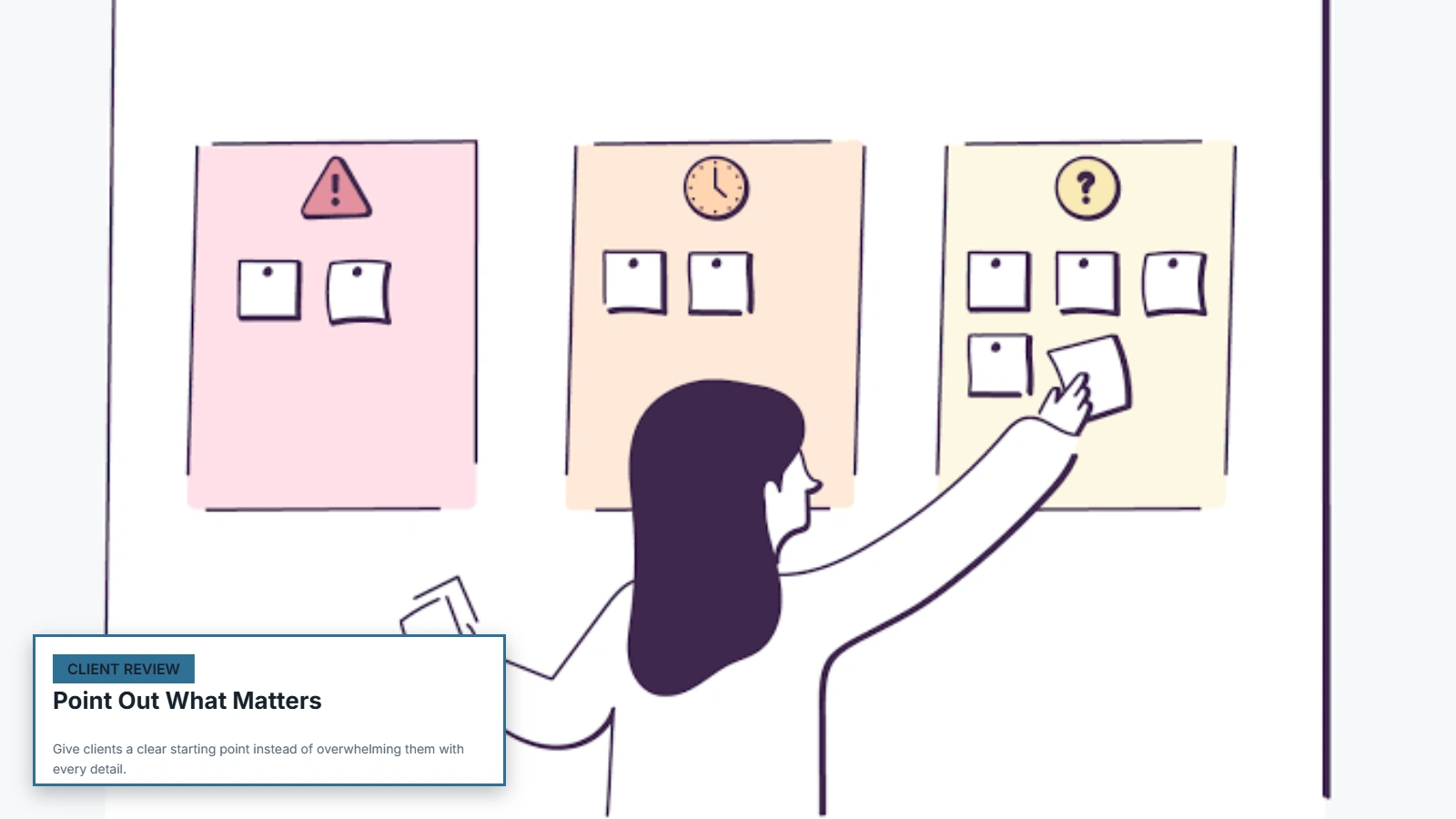
This is especially important for work where the reasoning is not obvious from the finished output.
For a design, you might explain a major layout decision.
For a strategy document, you might point the client toward the recommendations that require a decision.
For a report, you might highlight the findings that affect the next stage.
For development work, you might explain what functionality has been completed and mention any known limitations.
The explanation should help the client review the work rather than overwhelm them with every detail.
A useful question to ask is:
“If the client only spends five minutes reviewing this, what do they need to see?”
Start there.
5. Tell the Client How to Review It
One of the weakest ways to present completed work is to end with:
“Let me know what you think.”
The client may have no idea what kind of response you want.
Do you want general feedback? Approval? Specific changes? Questions? A decision between two options?
Be explicit.
Instead, say something like:
“Please review the homepage layout and let us know whether the navigation, hero section, and service layout are approved. If you’d like changes, please list them in the same reply so we can address them together.”
Now the client knows what to review and how to respond.
That makes the review process easier for both sides.
6. Make the Next Step Obvious
A deliverable should not arrive at a dead end.
Once the client has reviewed the work, what happens?
Maybe they need to approve it. Maybe they need to provide feedback. Maybe you need them to supply missing information. Maybe the team will move into development after approval.
Tell them.
For example:
“Once the homepage is approved, we’ll move the approved design into development.”
Or:
“Please send your feedback by Thursday so we can include the revisions in the next milestone.”
The next step does not need to be complicated.
It just needs to be clear.
How to Present Different Types of Deliverables
Different deliverables require different explanations.
The client does not review a strategy document in the same way they review a logo or a development milestone.
| Deliverable | What to emphasize |
|---|---|
| Design | Key decisions, variations, and areas requiring feedback |
| Website | What changed, completed pages or features, and review instructions |
| Report | Key findings, recommendations, and important data |
| Strategy | Goals, decisions, priorities, and implementation steps |
| Copy | Completed sections, scope, and requested feedback |
| Creative assets | Final formats, variations, usage, and approval requirements |
| Development work | Completed functionality, testing status, and known limitations |
| Project milestone | Progress, completed work, remaining work, and next milestone |
The purpose of this distinction is not to create a separate complicated process for every type of work.
It is to make sure the presentation matches how the client needs to evaluate the work.
How to Present Deliverables by Email
Email is still a common way to deliver client work, and the basic structure does not need to be complicated.
A useful delivery email can follow this order:
Opening: Say what you are delivering.
Context: Briefly explain what was completed.
Review points: Tell the client what deserves attention.
Action: Explain whether you need feedback, approval, information, or another decision.
Next step: Tell them what will happen after they respond.
For example:
Hi Sarah,
We’ve completed the first homepage design based on the approved wireframe.
The attached version includes the revised navigation, hero section, service layout, and mobile treatment.
For this review, please focus on the page structure, messaging hierarchy, and overall layout. If you would like changes, please list them in your reply.
Once the design is approved, we’ll move into development.
Please send your feedback by Thursday so we can keep the next milestone on schedule.
The point is not to make every client email longer.
It is to make the existing communication more useful.
When a Live Presentation Makes Sense
Not every deliverable needs a meeting.
For straightforward work, a clear written delivery is often faster. If you are sending a completed copy document for review, for example, the client may not benefit from a 30-minute presentation.
A live walkthrough becomes more useful when the client needs to understand decisions, compare options, or absorb a large amount of information.
Good candidates include:
- Complex strategy work
- Large project milestones
- Major website launches
- Important design presentations
- Data-heavy reports
- Work involving significant decisions
- Deliverables that are difficult to explain adequately in writing
The meeting should have a purpose.
Do not schedule a presentation simply because it feels more professional. If the client can understand and review the work efficiently from a concise written explanation, that may be the better experience.
Feedback and Approval Are Not the Same Thing
It helps to distinguish feedback from approval.
Feedback means the client is reviewing the work and may request changes or ask questions.
Approval means the client is confirming that the work can move forward or be treated as accepted for that stage.

That difference matters.
If you ask for “feedback” when you actually need approval, the client may continue suggesting changes when you expected the project to move forward.
If you ask for “approval” when the work is still intended for an open review, you may create unnecessary pressure or confusion.
Make the required response explicit.
For example:
For feedback:
“Please review the proposed layouts and let us know which direction you prefer.”
For approval:
“Please confirm that the attached design is approved so we can begin development.”
Where possible, keep feedback in one clear place. Record important decisions so there is a reliable record of what was agreed.
If approval is a recurring problem in your workflow, see How to Get Client Approvals Faster.
Weak vs. Strong Deliverable Presentation
The difference is often visible in a few lines of communication.
Weak delivery
Hi, here’s the new homepage. Let me know what you think.
The client has to work out:
- What changed
- What they should review
- Whether this is final
- Whether approval is required
- How to provide feedback
- What happens afterward
Stronger delivery
Hi Sarah,
We’ve completed the new homepage based on the approved wireframe.
This version includes the revised navigation, new hero section, updated service layout, and mobile treatment.
For this review, please focus on the page structure and messaging hierarchy. If you would like changes, please list them in your reply.
Once the homepage is approved, we’ll move into development.
Please send feedback by Thursday.
The second version does not require a long explanation.
It simply gives the client the information needed to review the work and take the next step.
Common Mistakes When Presenting Client Deliverables
Sending files without context
The client receives the work but does not know what they are looking at.
Fix: Add two or three sentences explaining what was completed and what the client should review.
Sending too much information
A long explanation can bury the important information.
Fix: Put the key context first. Move supporting detail into the deliverable itself or supporting documentation.
Asking for vague feedback
“Let me know what you think” leaves the client to decide what kind of response is useful.
Fix: Ask specific questions and identify the areas that need review.
Mixing final and working files
The client may open the wrong version or assume an internal draft is final.
Fix: Clearly separate final deliverables from working files and use understandable filenames.
Presenting every deliverable the same way
A strategy document and a logo design do not require the same presentation.
Fix: Explain the parts that matter for the specific type of work.
Making the client search for the next step
The client receives the work but does not know whether to approve it, provide feedback, or wait.
Fix: End the delivery with one clear action.
Explaining too much
A client should not have to read a long essay before reaching the actual work.
Fix: Keep the introduction concise and focus on the information needed for review.
Treating delivery as the end of the project
Sending the deliverable does not necessarily mean the project is finished.
The next stage might be revision, approval, implementation, another milestone, or final closeout.
Fix: Connect every delivery to the next stage of the workflow.
For guidance on what happens when the project itself is ready to close, see How to Close Out a Client Project.
Client Deliverable Presentation Checklist
Use this before sending completed work.
Before sending
- The deliverable matches the agreed scope
- The correct version has been checked
- Final and working files are clearly separated
- Files are named clearly
- Required supporting materials are included
- Important changes are documented
Presentation
- The client knows what is being delivered
- Relevant context is provided
- Important areas are highlighted
- The client knows what to review
- Feedback or approval requirements are clear
Next step
- The required client action is stated
- Feedback instructions are clear
- A deadline is included where appropriate
- The next project step is explained
- The resulting decision or approval will be recorded
The checklist should support the process, not replace judgment.
A simple deliverable may need only a short message and one file. A complex milestone may require a more detailed presentation and a live walkthrough.
When a Shared Client Workspace Helps
Email works well for simple deliveries, but it becomes harder to manage when a project contains many deliverables, approvals, files, tasks, and review cycles.
A shared client workspace can give the client a clear place to find their work, review relevant information, complete required actions, and understand what happens next.
That can be particularly useful when the client is reviewing several deliverables over time.
The value is not simply having another place to upload files. The workspace should make the delivery and review process easier to follow.
It can also reduce the problem of important information being scattered across email threads, attachments, shared folders, and separate task lists.
That does not mean every business needs a dedicated workspace. For simple projects, email and well-organized files may be enough.
For businesses managing more involved client workflows, Riverton’s Client Portal is one option for creating a more organized client-facing experience.
Final Takeaway
Presenting a client deliverable well does not require a long email, a formal meeting, or a complicated system.
It requires clarity.
The client should know what they received, what was completed, what matters, what response is required, and what happens next.
Start by checking the work, organize the files, provide concise context, highlight the important parts, make feedback or approval explicit, and finish with a clear next action.
That small amount of structure can make the difference between a delivery that creates more questions and one that moves the project forward.